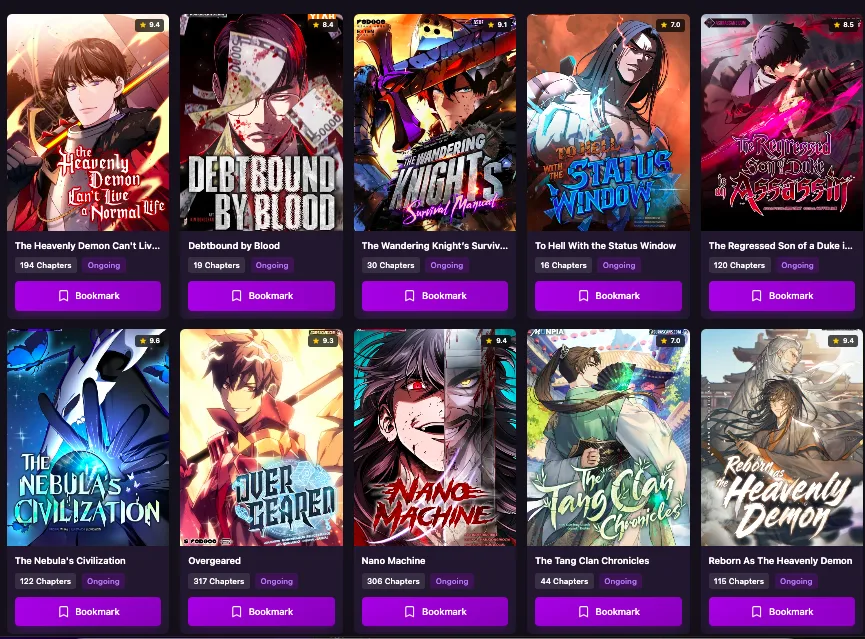
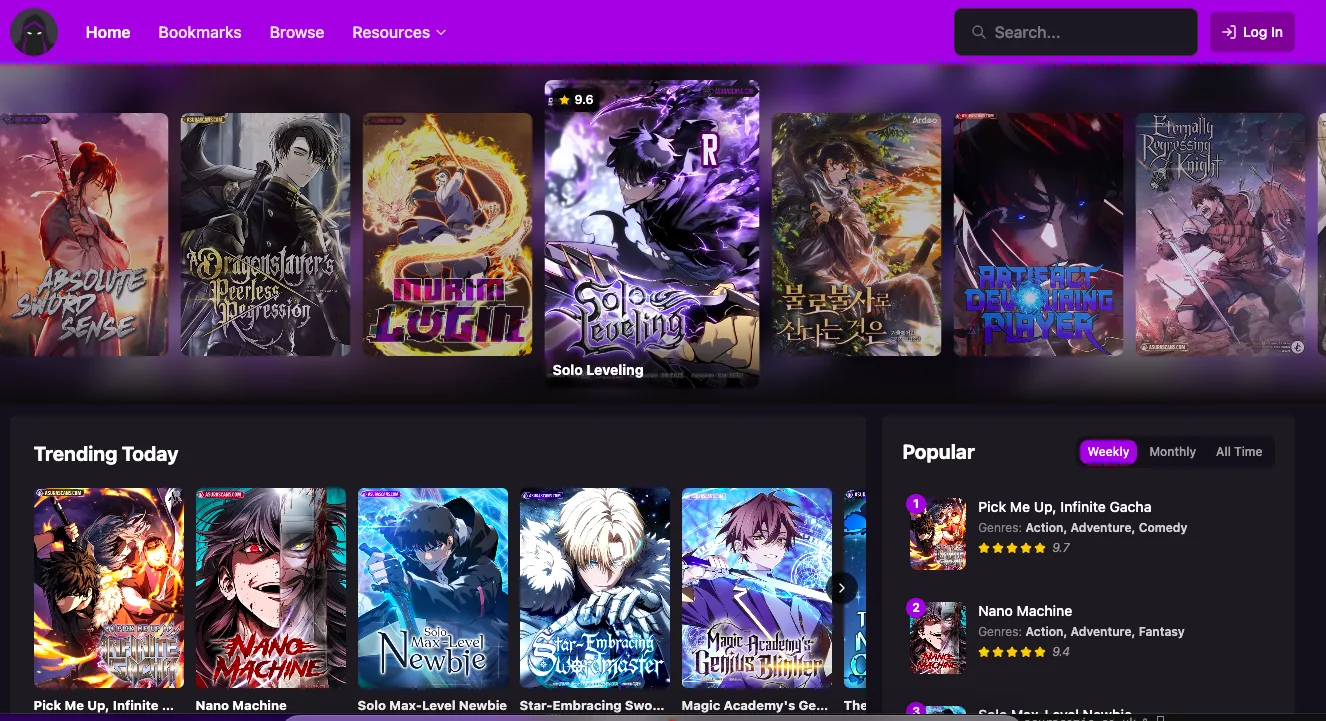
Having trouble reaching MangaBuddy? Use this quick guide to diagnose the connection, avoid risky copycat sites, and discover more dependable places to read.
A failed visit to mangabuddy1.to does not always mean the site is gone. Temporary server downtime, DNS filtering, ISP restrictions, regional routing, a changed address, or stale browser data can all produce similar errors.
Well-known manga names often attract lookalike domains. Before trusting a new address, check where it came from and never share login or payment details with an unverified copy.
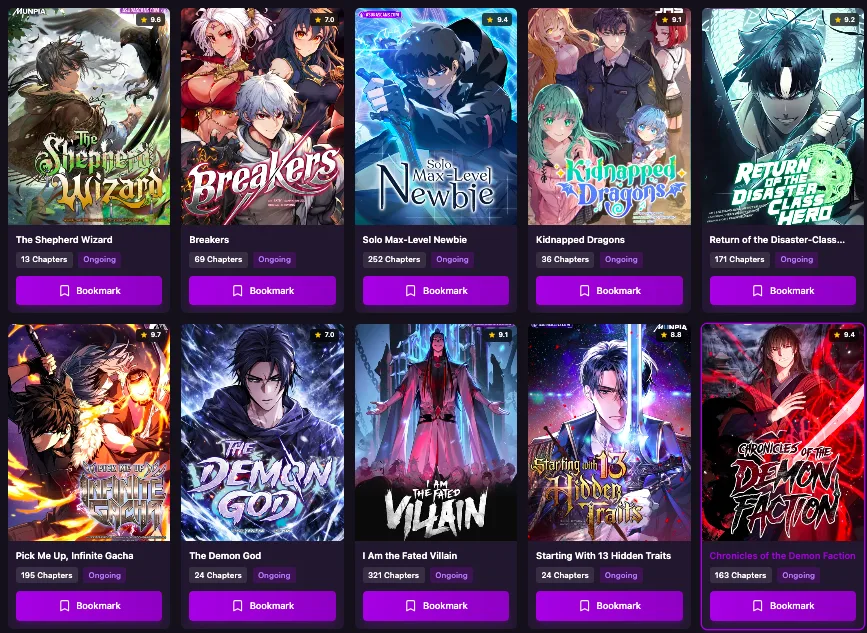
The same error screen can have several causes. Match what you see with the clues below to narrow down the problem:
| Possible cause | Common sign | What to try |
|---|---|---|
| Server outage | Endless loading, a blank page, or 502/503 errors | Wait briefly and retry before changing any settings. |
| Outdated address | Domain not found, odd redirects, or a dead bookmark | Confirm the address through a source you already trust. |
| DNS or ISP filtering | Mobile data works while home Wi-Fi fails | Compare another connection or use a reputable public DNS. |
| Regional restriction | The page works elsewhere but not in your location | Check availability from a different network. |
| Browser or extension | Only one browser has the problem | Try a private window, then review cache and extensions. |
| Fraudulent copy | Aggressive pop-ups, APK prompts, or surprise payments | Close the page without downloading anything. |
One blank screen is not proof of a shutdown. Repeated failure across multiple devices and networks points more strongly to a server or domain-level issue.
Work through these checks from simplest to most revealing. You do not need to install anything.
Move from Wi-Fi to mobile data, or the other way around. A different result usually points to your network, ISP, or DNS setup.
Load the page in private or incognito mode. If it works there, clear the site data and test browser extensions one at a time.
Use a reputable availability monitor to see whether other visitors are reporting the same interruption.
Test Cloudflare (1.1.1.1), Quad9 (9.9.9.9), or Google Public DNS (8.8.8.8), then flush the DNS cache and restart the browser.
A saved link may still point to an abandoned address. Do not follow a replacement domain until you can verify its source.
Search by the original title, creator, or publisher to locate licensed services available in your region.
| Platform | Best for | Good to know |
|---|---|---|
| MANGA Plus | Officially released Japanese manga | The catalog and chapter access vary by country. |
| WEBTOON | Licensed webtoons and digital comics | A strong choice for vertical-scroll series. |
| MangaDex | Community-based manga discovery | Available series and languages vary. |
| Publisher apps and sites | English and regional editions | Often the best source for official localized releases. |
Availability depends on licensing. Check publisher catalogs, authorized simulpub services, and local apps; a series offered in one country may be unavailable in another even when both services use English.
There is no clear public statement confirming a permanent shutdown. Long-term failure across several devices and networks may indicate an extended outage, an infrastructure move, or a discontinued service.
A domain is not official simply because its name contains MangaBuddy. Trust a replacement address only when it is announced through a verifiable official channel.
A VPN can help identify regional, ISP, or DNS routing problems. It cannot repair an offline server, renew an expired domain, or revive an abandoned website.
Install apps only from Google Play, the Apple App Store, or a verified publisher. Avoid APK files, unofficial stores, browser extensions, and download links promoted through pop-ups or comments.
ISP filtering, DNS resolution, browser cache, regional restrictions, or temporary routing can create different results. Trying another network and a private window is the fastest way to narrow down the cause.